3 Mistakes to avoid when designing your nonprofit website
Published
March 7, 2023

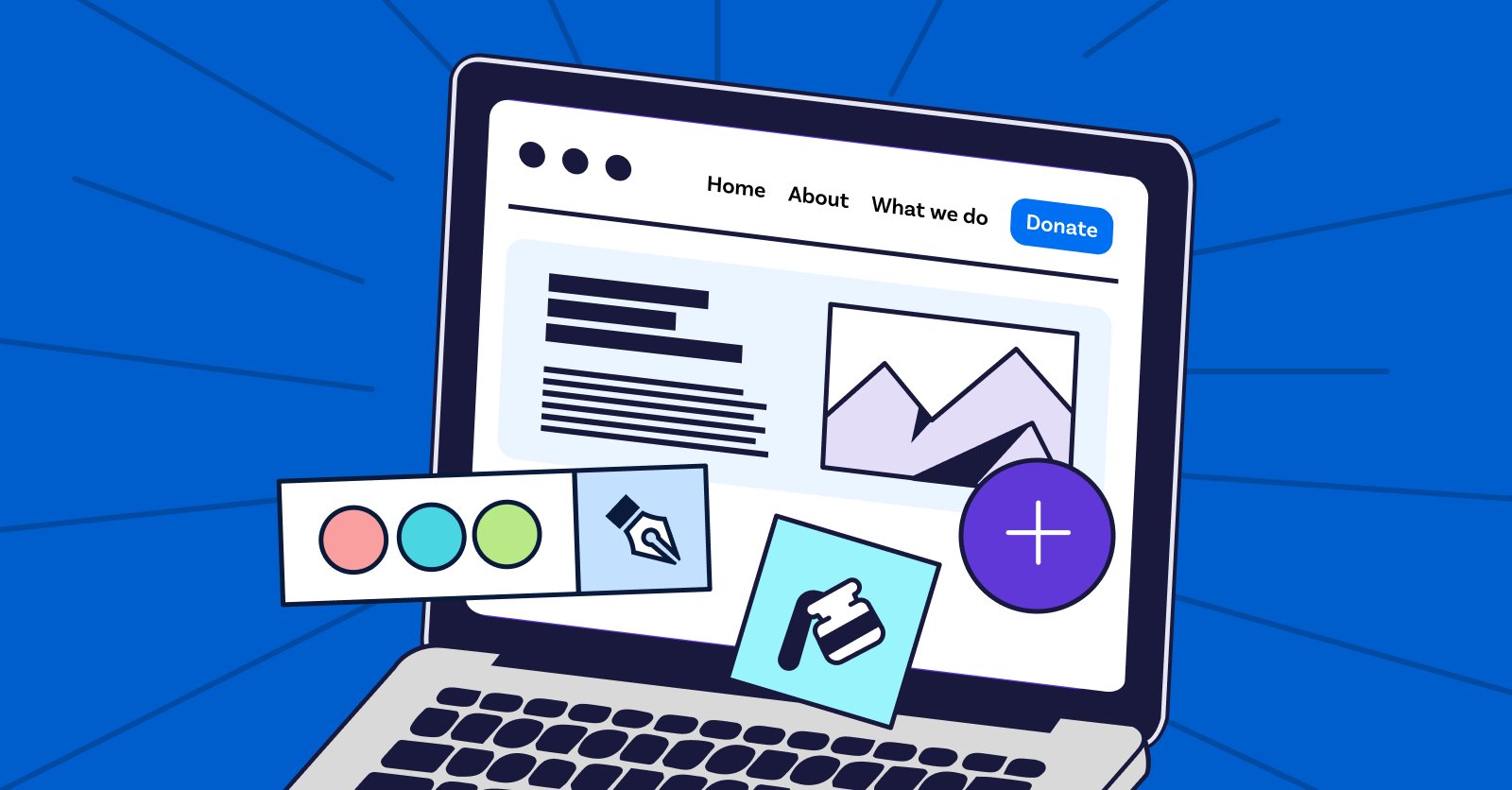
There are many ways you can design your nonprofit website, but you’ll need to stick to best practices to create a strong digital presence. Let’s begin.
Your nonprofit’s website is an important marketing tool. With a well-designed website, your organisation can boost its brand visibility, introduce new supporters to your nonprofit, and keep existing supporters engaged. However, designing a website can feel daunting if you don’t have previous web design experience.
From creating a user-friendly donation page to generating high-quality content that accurately represents your mission, your nonprofit’s staff might encounter some challenges. Plus, it’s easy to overcomplicate or oversimplify your website design if you don’t have a concrete plan.
Let’s take a closer look at mistakes to avoid so you’ll be prepared to make the best website design possible:
When you understand what your nonprofit’s website shouldn’t include, you’ll become more in tune with what makes a website successful and can incorporate these best practices into your own web design. Let’s begin!
Picture this: A prospective supporter lands on your nonprofit’s website. After looking around for a brief moment, they can’t find your organisation’s mission statement, contact information, or even donation page. Plus, all of the elements on the homepage are so cluttered that the visitor quickly becomes overwhelmed. As a result, they click off of your site to search for a different organisation to support.
This is an all too common mistake. To avoid this problem for your nonprofit, implement one of the top web design best practices: prioritise intuitive navigation. Use these tips so your supporters can navigate around your site with ease:
Closely consider your audience as you design your website. By prioritising a smooth navigation experience, prospective supporters will be more likely to explore your content and look for ways to actively engage with your cause.
As you generate content, think closely about who is able to engage with it. Would people with hearing or visual impairments be able to fully explore your site? What about site visitors who can’t use a mouse and need keyboard functionality to fill out your donation page?
Creating content that is accessible to people of all abilities can help your nonprofit attract new, diverse audiences and increase your website’s ranking on search engines. Plus, your nonprofit will be able to create an inclusive community and culture, leading to more long-term support.
According to Morweb’s guide to nonprofit web accessibility, your nonprofit should incorporate the following features into your website design:
To add an accessibility widget and apply other accessibility best practices, work with a nonprofit-specific CMS. A CMS makes it easy to adhere to the Web Content Accessibility Guidelines (WCAG), which provide recommendations for all websites to make the web more inclusive. The WCAG are frequently updated, so work with a trusted website builder that will help you achieve compliance.
If your website is generic and looks like it could belong to any organisation, site visitors will be less likely to see your nonprofit as credible. Plus, they’ll be unable to form an emotional connection with your cause or feel compelled to explore the content on your site. As a result, your nonprofit will lose out on key support and donations, making it more difficult to advance your mission.
This is where a branded website design becomes invaluable. According to Kwala, nonprofit branding is a form of visual storytelling that conveys why your organisation is worthy of donors’ support. In order to successfully establish your identity online and make your website unique to your nonprofit, you’ll need to add the following branded elements:
As you come up with these branded elements, make a record of it so that everyone on your nonprofit’s team is up to date. This way, they can incorporate your branding into your other marketing materials beyond your website design, such as social media posts and direct mail.
[HR]
Your nonprofit website is a tool that can significantly advance your mission, but only with a strong design. Ensure that your website accurately reflects your nonprofit’s mission and prioritises a positive user experience so everyone can engage with your content. To streamline the web design process and reduce your administrative burden, work with a nonprofit CMS that has all the features your organisation will need.
With another B Corp recertification done and dusted, we are certainly proud of our new score and well aware of the progress that will continue! Want to join us and team up with the fundraising platform that shares your mission? 🙋🏼♀️